
Turn any crawl into an AI-Optimized Map
Use AI to uncover structure issues, topical content gaps, and optimization opportunities across SEO, UX, and AEO. Export your findings as PDF, Markdown, and CSV.

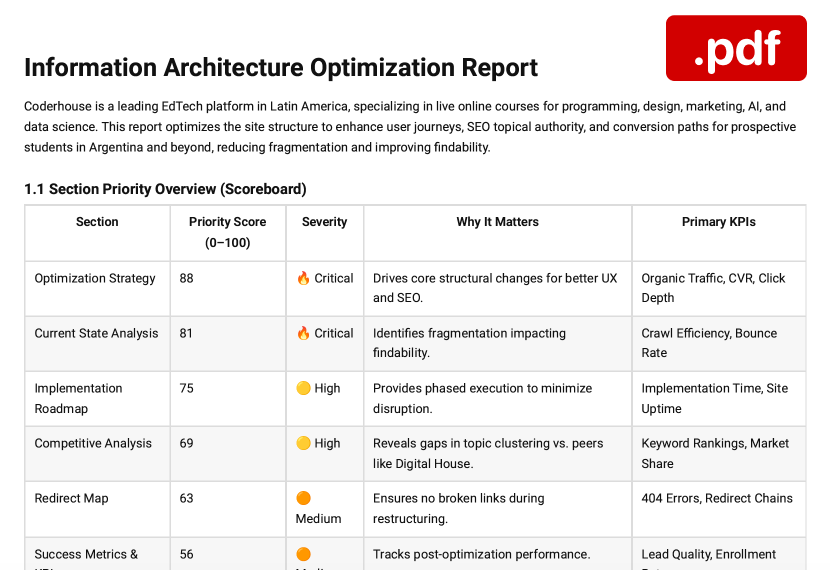
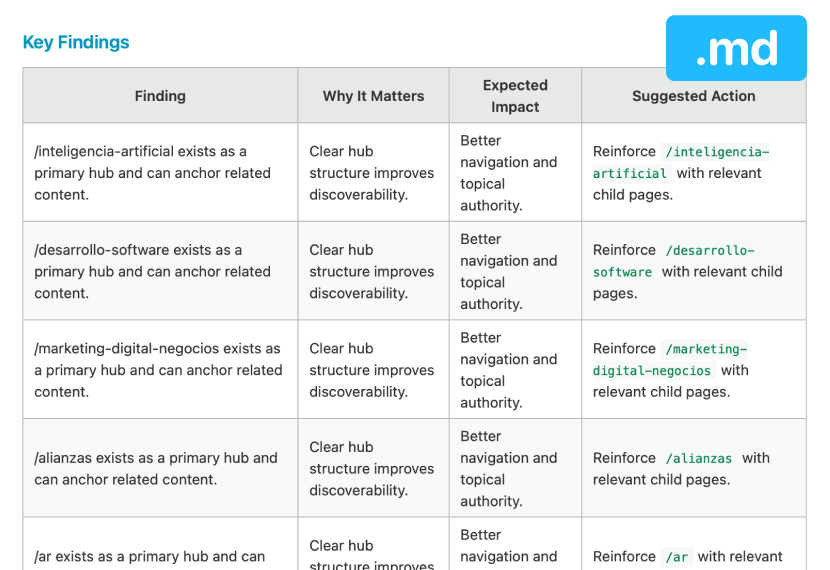
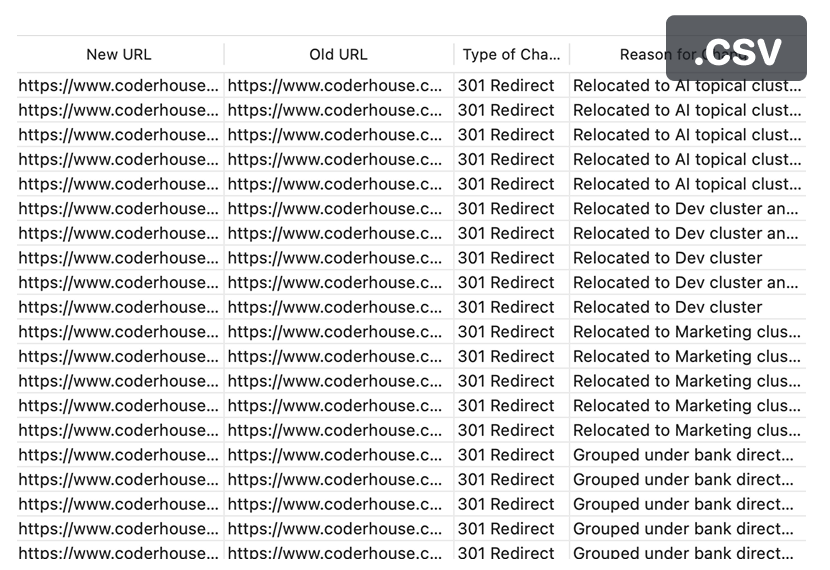
Detects & Optimizes Structural Issues
Spot weak hierarchy, clutter, and missed opportunities
Improves SEO + UX
Generates topical clusters, better navigation, and page relationships
Actionable Reports
+10 Heuristics Analyzed, exportable as PDF, Markdown and CSV.
Hundreds of hours saved for
Features


100% Cloud Automated
Need to create a sitemap for a +1000 page website by 5 pm for your new client meeting?
Just enter any public or private URL and go grab a tea!
Start your website analysis in minutes by evaluating the information architecture.

AI 🧠 Optimized Maps + Reports
AI Audits & Optimizes your maps to improve its IA structure, topical clusters, SEO, UX, and AEO.
AI Analysis Reports in .pdf + .md
Redirect URL Reports in .csv
*Paid Pro Feature

Sitemap Editing + Flow Canvas
Sculpt your optimized sitemap with simple drag ‘n drop.
Use Flow Canvas to generate maps and journeys from scratch or with our beautiful templates.
*Paid Pro Feature

Screenshot Notations
Easily annotate any *page(s) and get feedback from your team and clients.
Manage your feedback process with screenshot statuses.
*Desktop & Mobile viewports
*Paid Pro Feature

Track Visual QA.
Track Competition.
Run Scheduled Crawls.
Track any website’s visual changes… automatically.
+ Keep your QA consistent from release to release.
🔥 Keep an eye on changes in competitors & markets.
*Paid Pro Feature
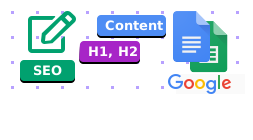
Content Planning
+plus Google Drive
Plan your Copywriting, SEO, and Page Assets for every page.
+ Page-level SEO is scraped and editable.
+ Google Drive Integration for your content team!
*Paid Pro Feature

Crawl Password-Protected Sites
Password-protected sites can now easily and safely be crawled with your encrypted credentials.
Great for user dashboards and staging!
Learn more>
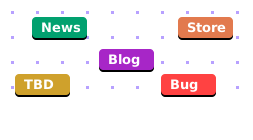
Custom Tags
Organize and group pages like a champ! Quickly batch apply them to pages, search and filter them to see only what you need.
*Paid Pro Feature
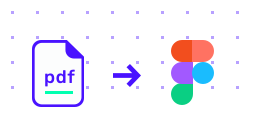
Export as PDF >
Import into Figma
Print your map as a PDF or Import and customize it more in Figma.
+ Export as XML, CSV, & JSON.
“Artur and his team at Visual Sitemaps have delivered a tool that helps creatives, product managers and engineers save time, collaborate faster and truly get a 360 view of site architecture. The industry has been waiting for this.”
– Neil Katz
Global Head of Content & Engagement
Weather Co. / IBM
“This tool is amazing — I crawled a few Fortune 100 sites and authenticated dashboards and saw things in a totally new way — saves tons of time — thanks!”
– Brian J. Kennedy
Strategist + Writer
Publicis Sapient
“ …they can take this technology to so many places…huge time saver to say the least.”
– Matt Mankins
Director of Engineering
Condé Nast + Fast Company
Priceless Cost-Savings
100 pages
$$$$$
1000 pages
$29
Who's this For?
Seeing and Understanding the Structure Faster Leads to Better Work
Trustpilot Reviews
FAQs
Nope. But there is a simple alternative:
1 – Buy any pro plan.
2 – Cancel it when you feel like you no longer need it, this will auto-downgrade you to the Free Plan.
Benefits:
? No re-occurring monthly charges
? You get to keep your all your created sitemaps
? You can crawl 25 more pages – again every month
Absolutely. Even multiple directories at once. More on that here >
Absolutely! Learn more >
Yes. But you will need to contact us in chat support to request it.
Yes, with our simple drag n drop tools. What how easy it is >
? Additionally, you can also export the map as a PDF, then importing it into Figma or Adobe Illustrator for further customization. Learn More>
We offer 100% full refunds for crawls that < 100 pages.
Crawls greater than 100 page are not eligible for any refunds.
We do offer credits in case if something technically fails on our end. So before you choose to upgrade to any paid plans, we strongly encourage you to fully test our service with our limited Free plan and read all the FAQs.